
RIP software for Windows and Mac
Design it and RIP it in one window
Get the file. Fix it. Print it.
One window for the whole job: bring in the customer’s file, clean it up, fill the sheet and print it properly. Two editions, and the only choice is how much design you want inside it.
Already have a RIP?
See what you keep when you switch, what you gain, and what you would save.
- Your DTF colour comes with you
- Set up your printer from one print
- Work out your saving first

From the founder
Hi, I'm Jordan, the creator of UPrint Studio RIP and Design RIP.
I grew up in my father's print factories from the age of five, and I have worked in print since I was 16. I know the pain print shops feel every day: one program to fix the artwork, another to design, and a RIP to print it.
So I built one app that does it all. You get the artwork ready with AI help (cut-outs, upscaling, vector tracing), design it, and print it to your DTF, white toner or sublimation printer, all in one window. With Design RIP you no longer need CorelDRAW or Illustrator for your everyday print jobs.
Connect with me on LinkedIn and say hiOne RIP for DTF, white toner and sublimation
See which tools work on which printer.
- Copy your old RIP's colourKeep the colours your customers know.DTF
- White controlHow much white, where, and its edge.DTFWhite toner
- Gang sheetsFill the sheet or the roll.DTFWhite toner
- Measured colourPro Colour, measured on the press.White toner
- Cost per jobToner, ink, film and powder, priced.DTFWhite toner
- Job historyEvery job and its spend, as CSV.White toner
- Straight to PrintExpPress print, the job is there.DTFSublimation
- Set up from one printUPrint learns your printer.DTFSublimation
- Your own ICC profileBring the colour you trust.DTFWhite tonerSublimation
- HalftoneSofter prints, bold dots, six styles.DTFWhite tonerSublimation
- White mapSee the white before you print.White toner
- Design it here tooDraw, trace, lay out, print.DTFWhite tonerSublimation
Point at a printer to see its tools. Press one to see each tool in the app.
Watch the whole job, file to print
In under two minutes.
Palette: multi-colour halftone
Pop-art dots, in any colours you like.
Palette turns the whole picture into bold, hard dots, the comic-book look. Keep the picture’s own colours, pick one of 40 colour sets, or choose your own 2 to 6 colours. The gaps are real holes, so the shirt shows through.
This is the app’s own Palette code, running in your browser on a 10 cm (3.9 in) wide print. Drag the gold knob out for bigger dots, in for smaller, round to turn them, the same as in the app, UPrint 1.3.42.
- 1In the Halftone bar, pick Palette.
- 2Choose the colours, and a light or a dark shirt.
- 3Drag the gold knob on the picture: out for bigger dots, round to turn them. Then press Apply.
Close-ups in Original colours: only the dot setting changes from shirt to shirt. Each is a photo of plain shirt fabric with the print laid on. Every dot was made by the app’s own halftone engine (version 1.3.42) at the real print size, 22 to 26 cm (8.7 to 10.2 in) wide. Tap a shirt to see it bigger.
- Design RIP
- Design canvas › Halftone › Palette
- Studio RIP
- Prepare › Quick fixes › Halftone › Palette
Halftone screens
The streetwear halftone look, in a few clicks.
Make a design dissolve into dots at its edge, turn just one colour into dots, or screen the whole picture. It is the look designers build by hand. Here you need no design skills: pick one of seven dot shapes, set the size, press Apply. The gaps are real holes, so the shirt shows through and the print breathes.
Click the colour button, then click a colour on the artwork. Only that colour turns to dots. Every other colour stays exactly as it was, and the dots never land on another colour.
Colour: the magenta · Round · Detail 25 LPI · Toner 55% · picture 10 cm (3.9 in) wide
- Design RIP
- Design canvas › Halftone, or Object › Halftone screen
- Studio RIP
- Prepare › Quick fixes › Halftone
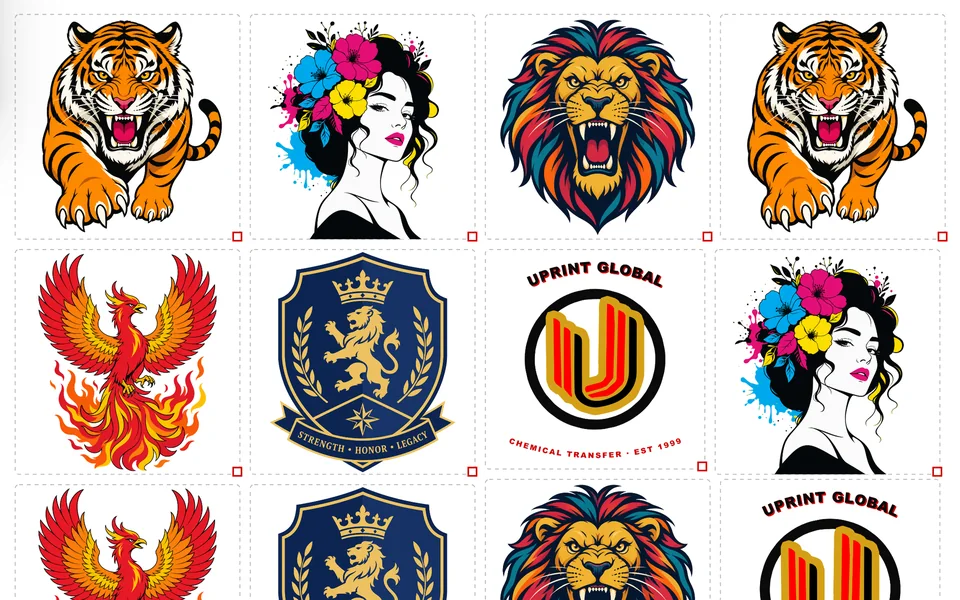
Every dot here was made by UPrint Design RIP 1.3.40. The close-ups are cut straight from the file it saved, then saved as WebP for this page. Every picture was made with the app’s own AI image tool and upscaled in the app first; the flower picture and the lion were also cut out in the app. The shirt colour is only the background on this page.
Every tool in the app
61 tools. Every fix the file needs, in one window.
Each of these used to mean another program, another plug-in or a designer’s invoice. Now they all sit in the software that drives your press. Every tool is in both editions, except the ones marked Design or in a Design RIP group: those are Design RIP only. Tap one to read more.
Bring the file in4 tools
Fix the file11 tools
Dots and effects10 tools
Draw and shape14 tools · Design RIP
Cut and lay out4 tools
Colour and print10 tools
AI help3 tools
Add-ons5 tools · Design RIP · free while we test them
AI image generation, built in
Type it. Print it.
Describe the idea. Pick a print style and the app adds the print know-how for you: flat colours, clean outlines, halftone, a plain background. Then drop it on your canvas and print it.
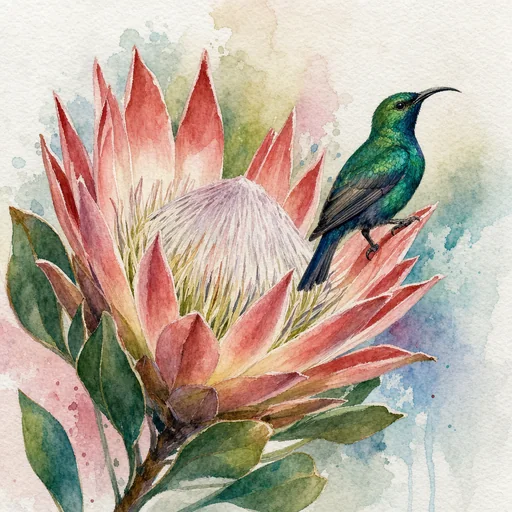




Twelve real pictures from the AI Image pane of UPrint Design RIP 1.3.27, made at Best on the owner's own OpenAI key. Each took 102 to 134 seconds in the app; the pane above plays faster. Tap any picture to see its words and its style.
Change a colour across the whole design
“That’s not our blue.” Change it once.
Bring in the colours the customer’s designer sent, and link the pieces of their logo to them. When the customer changes their blue, change it once. It changes on every page, and their colours stay with the job for the next order.
The job, step by step · press one to watch it
What the app says, in its status bar
- Design RIP
- Design canvas › Colour › Mine
- Studio RIP
- Not included. Design RIP only.
Works on a logo in pieces: a vector file, or one you traced with Make Vector. DTF, UV or white toner, the colour work is the same. For DTF and UV, File › Export image saves a PNG at its real size, with a clear background, for your printer’s own software.
One app instead of three: the price
Two programs and a plug-in, or one window.
The usual setup is a RIP to print, a second program to design in and a plug-in to clear backgrounds, then a support plan to keep them current.
The usual way
- A RIP for your press$595
- A separate design program$595
- A background removal plug-in$195
- Before you print a thing$1,385
- Support to keep them current$395 a year
Two programs, two windows, the file saved and opened again between them.
UPrint Design RIP
$34.99a month
or $699 once
- ✓The design canvas and the RIP in one window
- ✓Auto cut-out and AI upscaling built in, no key needed
- ✓Trace to vector, node editing, halftone and 3D Finish
- ✓Pay monthly and stop when you like, yearly, or once off
The usual way: the RIP, design program and background plug-in of one of the big RIP makers, in its edition for these printers, and its support plan, as priced on its own online shop in September 2026. Prices change, so check theirs.
What you are buying
Software you download and own a licence to.
A download, not a box
A signed Windows installer, published by UPrint Global CC, or a Mac app for UPrint Design RIP. Install it, enter your order code, and it activates itself on that computer.
Runs on your own machine
The software does the work locally. It is not a website and not a subscription to a cloud service you cannot print without.
Three ways to pay
Monthly and stop when you like, a year up front, or once off and it is yours to keep. One licence runs on two computers.
Training videos
Short videos show you each job in the software, step by step. You watch them in the client portal.
Design RIP
16 videos · 16 min
Studio RIP
8 videos · 6 min
 0:33
0:33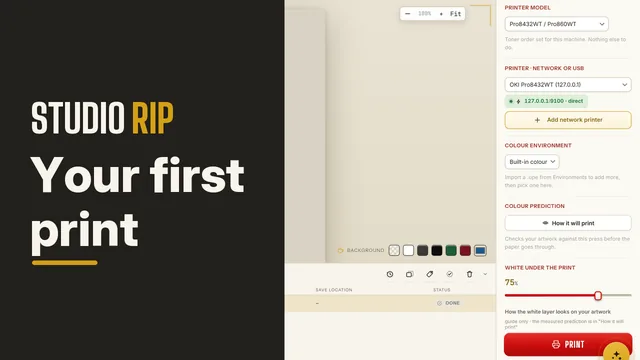 0:31
0:31You already design
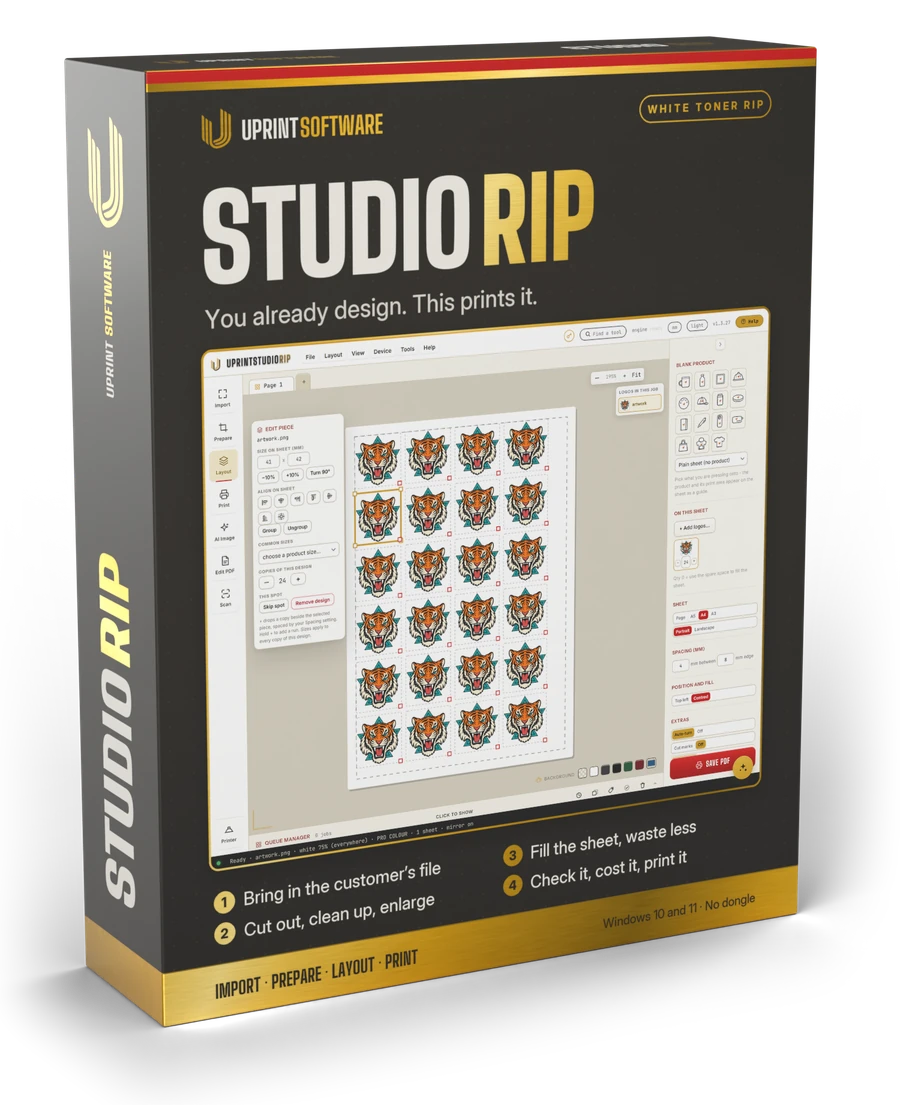
UPrint Studio RIP
The complete printing workflow in four numbered steps: import, prepare, lay out, print.
- ✓White map and measured colour environment
- ✓Gang sheets with a live cost per print
- ✓Scanner, background removal, PDF editing
- ✓Exports PDF, PNG, TIFF, JPEG and BMP
No other design software needed
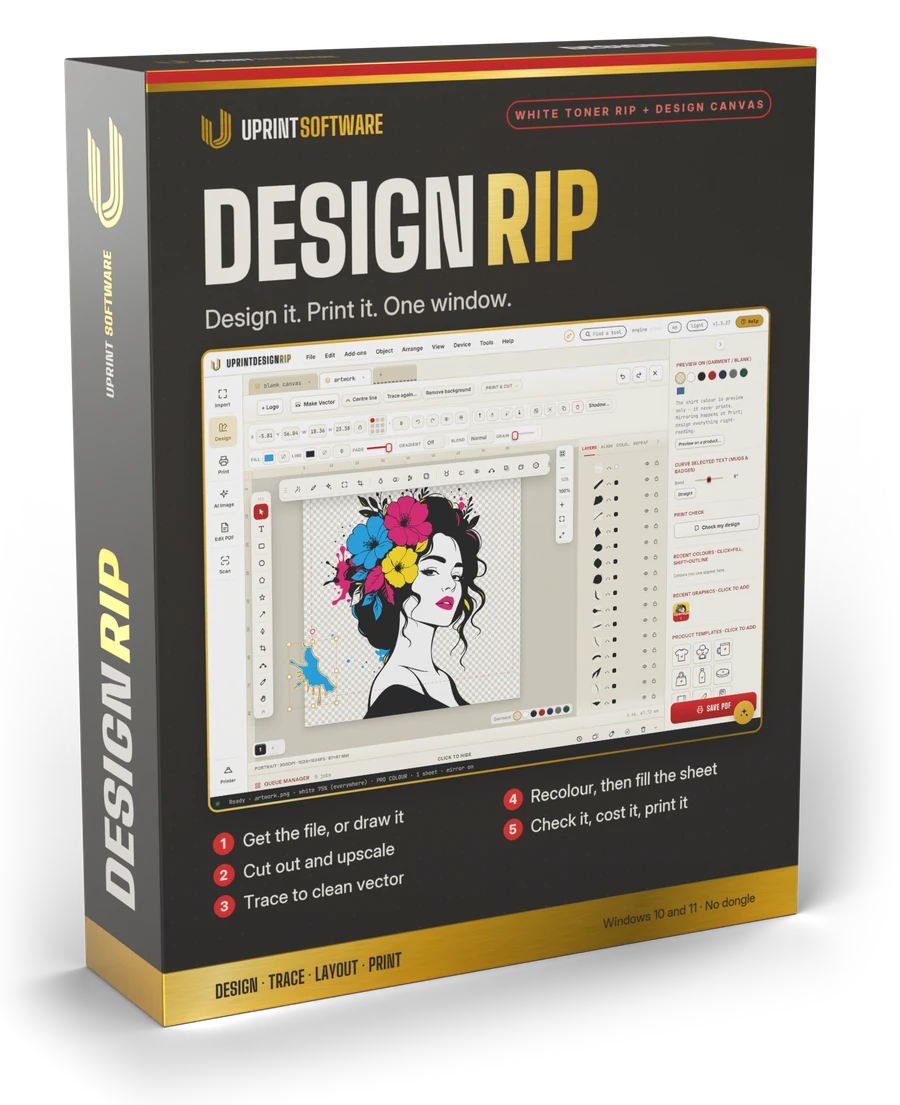
UPrint Design RIP
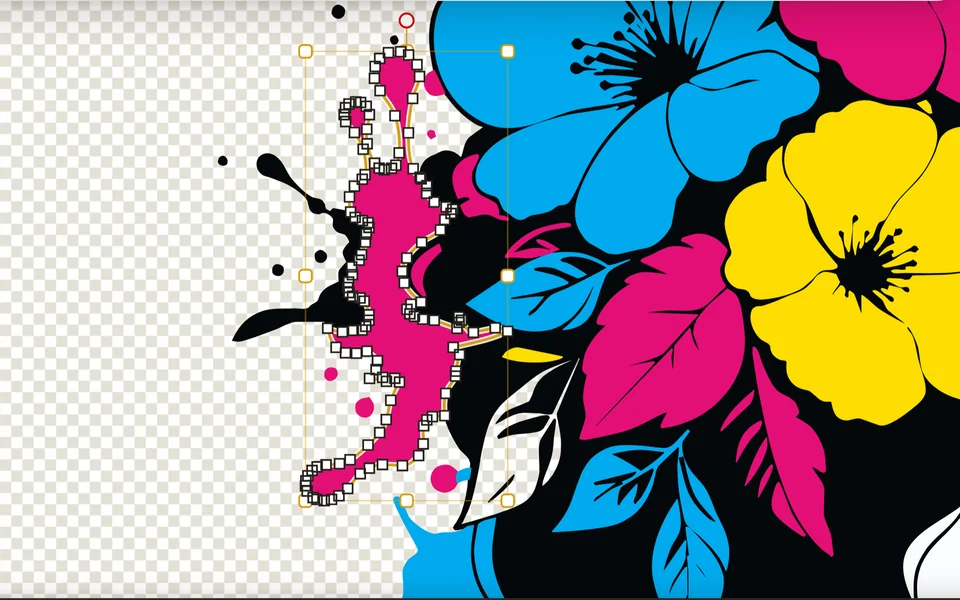
Everything in Studio RIP, plus a full design canvas in the same window. Trace a logo to clean vector and edit it node by node.
- ✓Everything Studio RIP does
- ✓Trace to vector, and a pen tool to fix it
- ✓Stencil artwork into any shape, and edit it in there
- ✓AI artwork (needs your own OpenAI or Grok key)
- ✓Exports all eleven formats, including EPS and cutter files
Now with five add-ons: estimate cost, preflight fix it, names and numbers, PostScript out and a font maker. See the add-ons. Free while we test them in public.
Studio RIP or Design RIP: what is in which
| Capability | Studio | Design |
|---|---|---|
| Import, prepare, lay out, print | ✓ | ✓ |
| Runs on Windows 10 and 11 | ✓ | ✓ |
| Runs on a Mac with Apple silicon | ✓ | ✓ |
| White map and measured colour | ✓ | ✓ |
| Scanner, AI cut-out and Refine edges, no key needed | ✓ | ✓ |
| AI image generation, on your own OpenAI or Grok key | ✓ | ✓ |
| AI upscaling, 2, 3 or 4 times bigger, no key needed | ✓ | ✓ |
| AI assistant for printers, settings, the print check and the queue, on your own OpenAI key | ✓ | ✓ |
| Mixed gang sheets and cost per print | ✓ | ✓ |
| Fill a sheet with copies of a design | ✓ | ✓ |
| PDF editing | ✓ | ✓ |
| Imports EPS and PostScript files, text included | ✓ | ✓ |
| Exports and imports all the major formats | ✓ | ✓ |
| Full design canvas with pen and node editing | ✕ | ✓ |
| Trace to vector | ✕ | ✓ |
| Stencil artwork into any shape | ✕ | ✓ |
| Weld, trim, intersect and contour cut lines | ✕ | ✓ |
| Step and repeat on the design canvas | ✕ | ✓ |
| AI assistant that also works on the design canvas | ✕ | ✓ |
| Recolour a traced logo piece by piece | ✕ | ✓ |
| Editable vector files for a designer: SVG, AI, EPS, PSD, DXF | ✕ | ✓ |
| Add-ons: estimate cost, preflight fix it, names and numbers, PostScript out, font maker | ✕ | ✓ |
The major formats are PDF, PNG, TIFF, JPEG and BMP, which is what a print room hands over. Design adds the designer files: SVG, AI, EPS, PSD, DXF and WEBP. Both make a laser cut file for the printed sheet. AI image generation runs on your own OpenAI or Grok key and the AI assistant on your own OpenAI key, paid to them directly. AI upscaling and AI cut-out need no key. One licence runs on two computers, and the 7 day trial is the full software.
Prices: two editions, three ways to pay
Already own a compatible press? The RIP is sold on its own and works with the press you have. One licence runs on two computers. Prices are in US dollars, and tax is worked out at checkout for your country.
For South African businesses: pay UPrint Global CC in Rand by card. Prices include 15% VAT and you get a UPrint tax invoice to claim it back. No account needed: pick a plan, fill in your invoice details and add your card.
You pay on Paystack’s secure page. Your order code comes by email. Questions? Contact us.
You pay on Polar’s secure page. Your order code comes by email. Questions? Contact us.
Free trial · 7 days · no card
Try it free for 7 days. No card.
Every tool, on your own computer. Download it, install it, type your name and email. That is all.
- 1DownloadPick Design RIP or Studio RIP.
- 2InstallWindows: run the installer in the zip. Mac: drag the app to Applications.
- 3StartType your name and email. Your 7 days begin.
When the 7 days end, pick a plan in the app. Pay with the same email and the app unlocks by itself.
One free trial per computer and per email. Not sure which one?
Find your printer
White toner, DTF and sublimation printers that print from UPrint today.
Which printers does it drive?
White toner printers
Both editions, Studio RIP and Design RIP. Most of these were discontinued years ago, and shops run them every day. Old is fine.
OKI
- Pro8432WT
- C711WTThe same machine as the ES7411WT and the Pro7411WT.
Converted machines
- OKI C711, C712 and C833Converted to run white toner in the black slot, and others like them.
DTF printers
Roll DTF printers on a Hoson board. UPrint sends each job to PrintExp on your Windows PC, or on a Mac saves it for that PC. DTF runs on Design RIP with the DTF add-on: ask us to add it to your licence.
Epson XP600 heads
- XP600 DTF printersCMYK and white. The head most start-up DTF shops begin with.
Epson i1600 heads
- i1600 DTF printersCMYK and white. The faster head, for shops printing every day.
Sublimation printers
On their own Windows driver, in Studio RIP and Design RIP: add the RGB profile your ink maker supplies. On a PrintExp board, with the DTF add-on.
Own Windows driver
- Sublimation printersAdd the RGB profile made for your printer, ink and paper (.icc or .icm).
PrintExp board
- Sublimation printers with no whiteSet up from one chart print. Design RIP with the DTF add-on.
Your printer not on the list?
Want to add your printer to our software?
Tell us the make and model. We tell you straight whether it works today, and what it would take if it does not.
support@uprintsoftware.com · +27 81 246 0010
Do I need to own any printer to use the software?
No. Without a printer you can still use it to prepare artwork and export it: bring in the file, clean it up, lay out the sheet, then save it as a file. UPrint Studio RIP exports PDF, PNG, TIFF, JPEG and BMP. UPrint Design RIP lets you design the artwork too, and adds SVG, AI, EPS, PSD, DXF and WEBP.
Why would I switch from my old RIP to UPrint?
To save money, time and training, and to get a print that comes out right every time, without losing what works. For DTF, your colour and printer settings come with you from one print of our charts, and you try UPrint on your own printer for 7 days with no card. Why switch, in full, with a savings calculator.
Do I need to buy a UPrint printer as well?
No. If you already own a compatible press, the software is sold on its own and works with the press you have.
What happens after I pay?
You get an order code and a download link. Install, enter the code, and it activates itself on that computer. Your colour environment installs with it, so there is nothing to load by hand.
How many computers?
Two. One order code runs on two computers in your business, and you can reinstall on them any time with the same code. A free trial runs on one computer. If a machine dies or you replace it, send us your order code and we will move you across.
Can I try it before I pay?
Yes. Download the free trial and the full software runs for 7 days on your own computer. No card is needed. Not a cut down demo, the same build the paying customers get.
If I pay monthly, can I switch to owning it later?
Yes. Buy the once off whenever it suits you and the monthly stops. Nothing on your computer changes and no work has to move.
Try it on your own press first.
Use every tool free for 7 days before you pay anything. No card is needed. It is the full software, not a cut down demo.