
Studio RIP or Design RIP
Studio RIP or Design RIP: compare
Which one do you need?
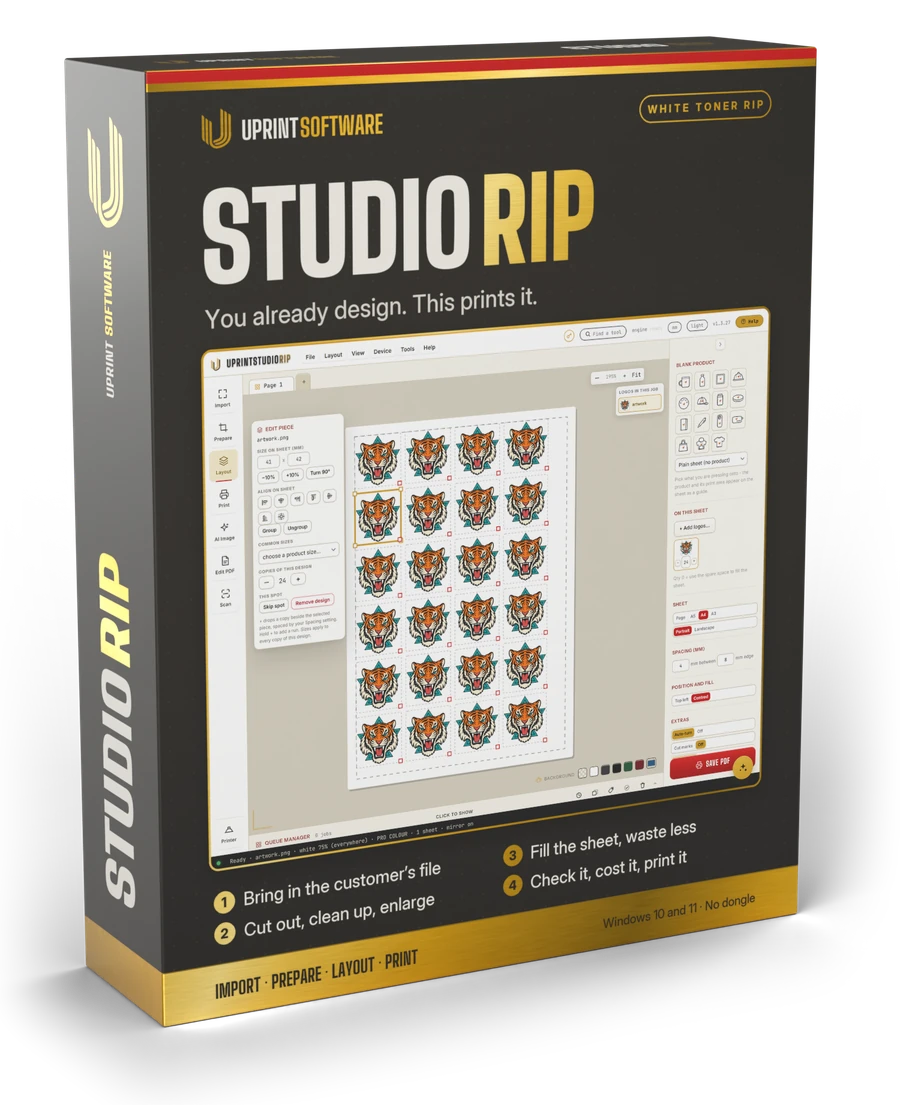
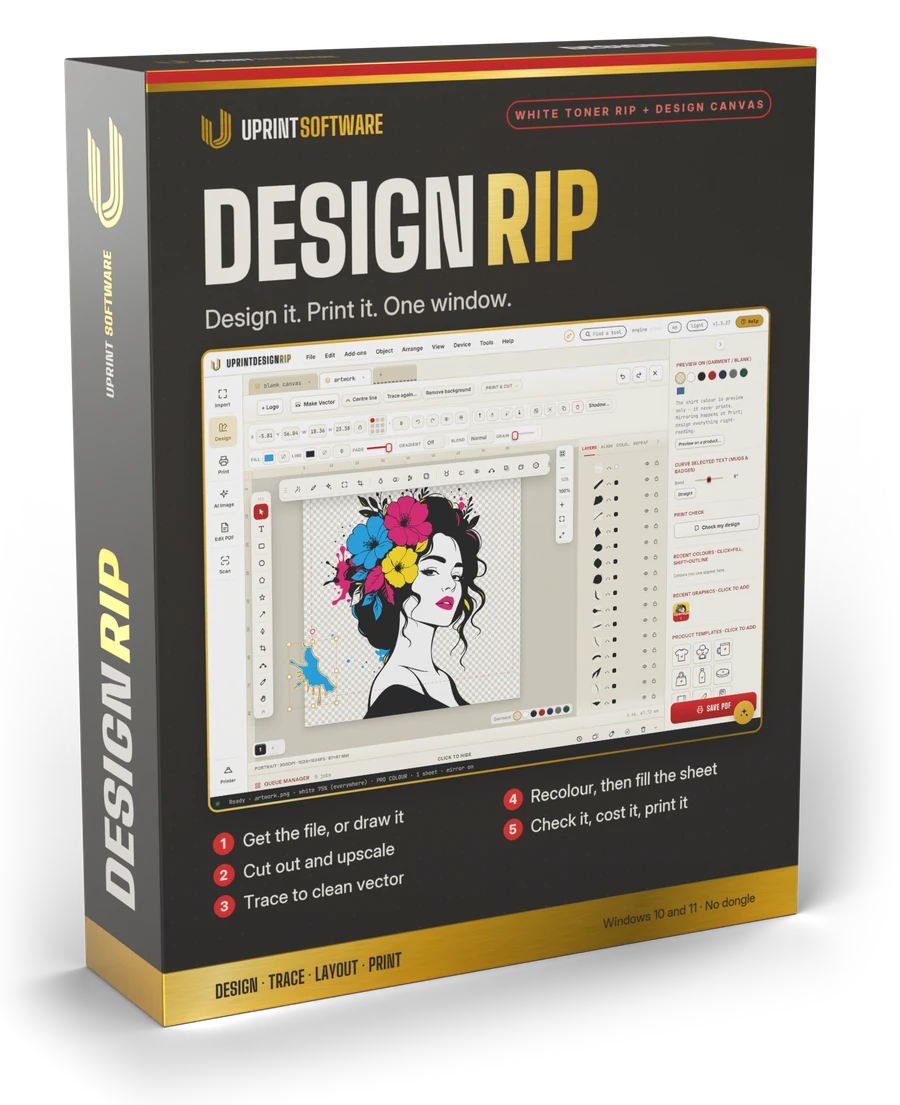
For DTF, white toner and sublimation printers. Two questions decide it. Which printer do you print on: a white toner printer or a DTF printer? And do you print what you are sent, or do you make the artwork too? Both editions drive your printer the same way: the same white, the same colour, the same queue and costs. The difference is how much design is inside.
No card. On day 8 the app locks until you buy. Nothing is charged.
Made by UPrint Global, trusted in 38 countries since 2008.
First, your printer
The RIP is the same. Your licence turns on the kind of printer you have.
White toner printers
OKI Pro8432WT, C711WT and converted OKI machines. Toner on transfer paper, white under the colour. Both editions drive them, on Windows and Mac.
- ✓Studio RIP White toner edition, from $24.99R400 a month
- ✓Design RIP White toner edition, from $34.99R649 a month
DTF printers
DTF printers with Epson XP600, i1600 or i3200 heads, run by PrintExp on a Windows PC. On a page or a roll. Pick the width of your printer: up to 45 cm (17.7 in), or wider.
- ✓Studio DTF RIP, up to 45 cm (17.7 in), from $25R420 a month. Windows 10 or 11 for now.
- ✓Design RIP with DTF, from $40R670 a month up to 45 cm (17.7 in), from $50R840 a month wider.
Both kinds of printer in one shop? Design RIP White toner and DTF runs them on one licence, from $50R840 a month. Sublimation printers print through their own Windows driver in both editions.
The quick answer
You print what you are sent, or you make it too.
UPrint Studio RIP
Choose Studio RIP if
- ✓Your customers send artwork that is ready to print.
- ✓You already design in another program and want the printing done right.
- ✓You clean a file up before it prints: cut out the background, upscale it, recolour it.
- ✓You want the lowest price: $24.99R400 a month.
White toner edition from $24.99R400 a month, $250R4,000 a year or $495R9,149 once. For a DTF printer: the Studio DTF RIP from $25R420 a month.
UPrint Design RIP
Choose Design RIP if
- ✓You make the artwork, or redraw what customers send you.
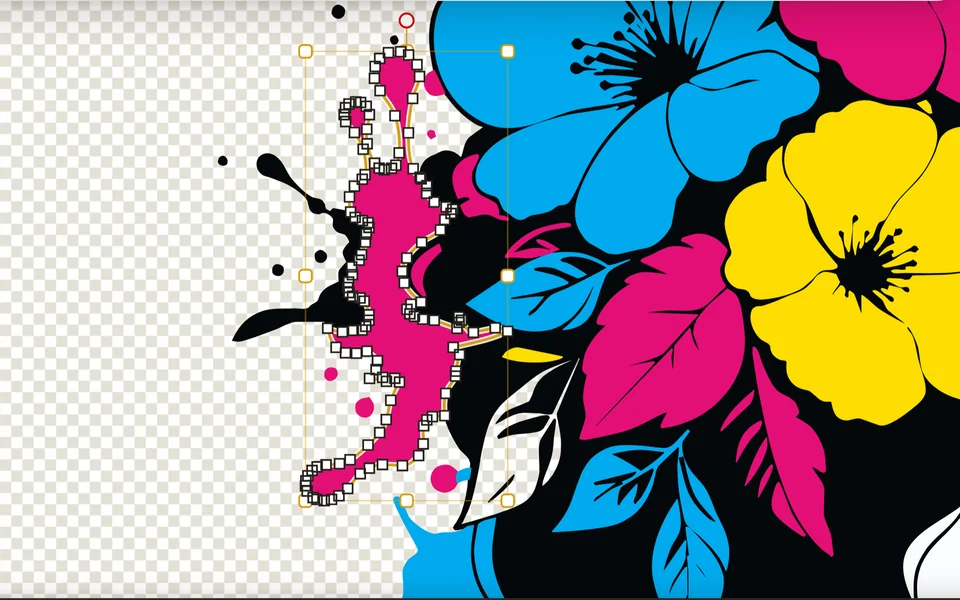
- ✓You turn logos into clean vector and fix them node by node.
- ✓You send editable vector files on: SVG, AI, EPS, PSD, DXF.
- ✓You want no other design software on the computer.
White toner edition from $34.99R649 a month, $350R6,499 a year or $699R12,999 once. With DTF from $40R670 a month. Everything in Studio RIP is in it too.
Both come with the AI tools.
AI image generation
Describe the artwork and it draws it, ready to cut out and print.
Your own OpenAI or Grok key
AI cut-out
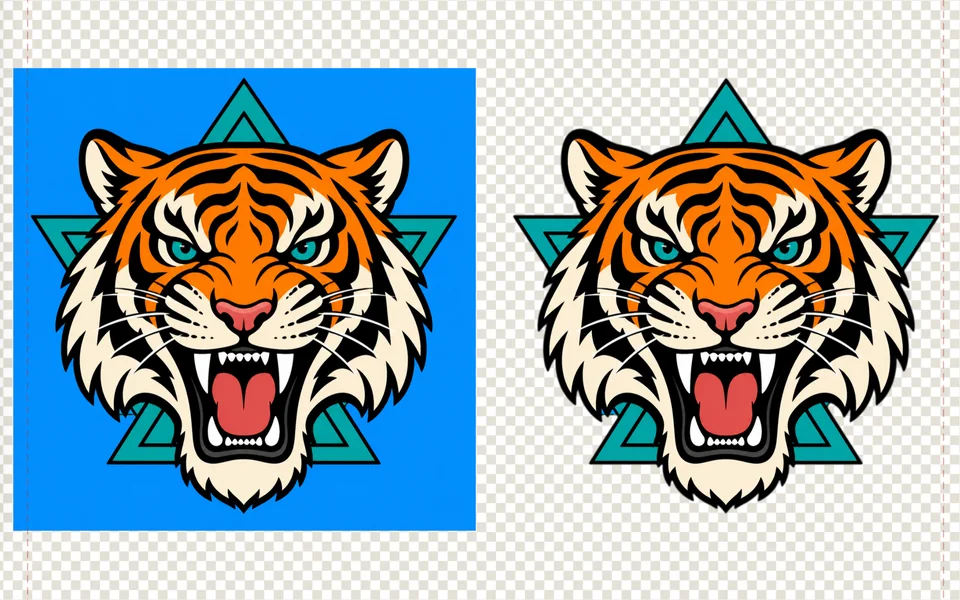
Takes the background off the artwork in one press, ready for a dark shirt.
No key needed
AI upscaling
Makes a small file 2, 3, 4 or 6 times bigger and adds detail, so it stays sharp at print size.
No key needed
The AI assistant
Ask in your own words and it does the work in the app. In Design RIP it works on the design canvas too; in Studio RIP it helps with printers, settings, the print check and the queue.
Your own OpenAI key
Real jobs: which edition does each
The job in front of you decides it.
A customer has an idea for a shirt but no artwork at all.
Either one
Describe it and AI image generation draws it, on your own OpenAI or Grok key. Both editions have it.
The customer’s file is too small and prints blurry.
Either one
AI upscaling makes it 2, 3, 4 or 6 times bigger with detail added. Both editions have it, and it needs no key.
A customer emails a finished logo as a PDF and wants thirty of them on a sheet.
Studio RIP
Import it, fill the sheet, print. Studio RIP does the whole job.
Your designer works in another program and sends you print files.
Studio RIP
The design is done. What you need is the white, the colour and the sheet, and that is Studio RIP.
A customer sends a blurry photo of their logo from their phone.
Design RIP
Both editions can upscale it and cut the background out. Only Design RIP traces it to clean vector you can fix.
You draw the artwork yourself and want to print from the same window.
Design RIP
The design canvas and the RIP are one window in Design RIP. No other design software needed.
A team wants every shirt printed with its own name and number.
Design RIP
Names and numbers makes one page for each name on your list. It is a Design RIP add-on.
A customer wants to see their logo in a few colours before they choose.
Design RIP
Colour versions shows the same artwork in several colourways side by side. Design RIP only.
You print DTF gang sheets on a roll from files your customers send.
Studio RIP
Lay the gang sheet out on a page or a roll and send it to PrintExp. The Studio DTF RIP does it, up to 45 cm (17.7 in) wide.
You run a white toner printer and a DTF printer in the same shop.
Design RIP
Design RIP White toner and DTF drives both on one licence. Studio RIP has no plan for both.
Studio RIP or Design RIP: what is in which
| Capability | Studio | Design |
|---|---|---|
| Import, prepare, lay out, print | ✓ | ✓ |
| White toner printers: OKI Pro8432WT, C711WT and converted OKI machines | ✓ | ✓ |
| DTF printers with Epson XP600, i1600 or i3200 heads, through PrintExp | ✓ | ✓ |
| DTF jobs up to 45 cm (17.7 in) wide, on a page or a roll | ✓ | ✓ |
| DTF jobs wider than 45 cm (17.7 in) | ✕ | ✓ |
| White toner and DTF on one licence | ✕ | ✓ |
| Runs on Windows 10 and 11 | ✓ | ✓ |
| Runs on a Mac with Apple silicon | ✓ | ✓ |
| White map and measured colour | ✓ | ✓ |
| Scanner, AI cut-out and Refine edges, no key needed | ✓ | ✓ |
| AI image generation, on your own OpenAI or Grok key | ✓ | ✓ |
| AI upscaling, 2, 3, 4 or 6 times bigger, no key needed | ✓ | ✓ |
| AI assistant for printers, settings, the print check and the queue, on your own OpenAI key | ✓ | ✓ |
| Mixed gang sheets and cost per print | ✓ | ✓ |
| Your prices and the profit on every job | ✓ | ✓ |
| Print later, and group held jobs by paper | ✓ | ✓ |
| Job history: customers, money, month report and statements | ✓ | ✓ |
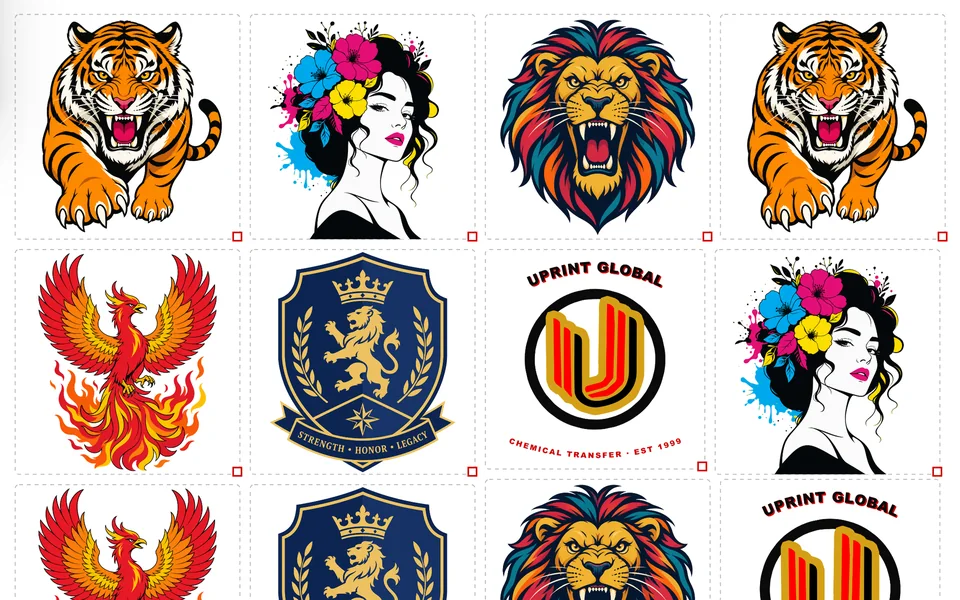
| Fill a sheet with copies of a design | ✓ | ✓ |
| PDF editing | ✓ | ✓ |
| Imports EPS and PostScript files, text included | ✓ | ✓ |
| Exports and imports all the major formats | ✓ | ✓ |
| Full design canvas with pen and node editing | ✕ | ✓ |
| Trace to vector | ✕ | ✓ |
| Stencil artwork into any shape | ✕ | ✓ |
| Weld, trim, intersect and contour cut lines | ✕ | ✓ |
| Step and repeat on the design canvas | ✕ | ✓ |
| AI assistant that also works on the design canvas | ✕ | ✓ |
| Recolour a traced logo piece by piece | ✕ | ✓ |
| Editable vector files for a designer: SVG, AI, EPS, PSD, DXF | ✕ | ✓ |
| Add-ons: estimate cost, preflight fix it, names and numbers, PostScript out, font maker | ✕ | ✓ |
The major formats are PDF, PNG, TIFF, JPEG and BMP, which is what a print room hands over. Design adds the designer files: SVG, AI, EPS, PSD, DXF and WEBP. Both make a laser cut file for the printed sheet. AI image generation runs on your own OpenAI or Grok key and the AI assistant on your own OpenAI key, paid to them directly. AI upscaling and AI cut-out need no key. DTF is switched on by your licence: the Studio DTF RIP, or Design RIP with DTF; DTF jobs go to PrintExp on a Windows PC. One licence runs on two computers, and the 7 day trial is the full software.
UPrint Design RIP with DTF: pick your printer width
The design canvas and a DTF RIP in one window: trace a logo to clean vector, lay out your gang sheet and print it, on a page or a roll. For DTF printers with Epson XP600, i1600 or i3200 heads, run by PrintExp on a Windows PC. Pick the width of your DTF printer: up to 45 cm (17.7 in) covers A3 and 13 inch printers, wider than 45 cm (17.7 in) covers 60 cm (23.6 in) roll printers and up. Also have a white toner printer? Add it for $10R170 a month more. One licence runs on two computers. Prices are in US dollars, plus tax worked out at checkout. Try it first: get the 7 day free trial and pick DTF printer when it starts.
For South African businesses: pay UPrint Global CC in Rand by card. Prices include 15% VAT and you get a UPrint tax invoice to claim it back. No account needed: pick a plan, fill in your invoice details and add your card.
Try it 7 days first. No card. On day 8 the app locks until you buy.
You pay on Paystack’s secure page. Your order code comes by email. Questions? Contact us.
You pay on Polar’s secure page. Your order code comes by email. Questions? Contact us.
UPrint Studio DTF RIP: DTF up to 45 cm (17.7 in) wide
For DTF printers with Epson XP600, i1600 or i3200 heads, run by PrintExp, on a page or a roll, up to 45 cm (17.7 in) wide. On a wider printer it prints jobs up to 45 cm (17.7 in). It is the Studio RIP download with DTF switched on by your licence. Needs Windows 10 or 11 for now. Prices are in US dollars, plus tax worked out at checkout. Try it first: get the 7 day free trial and pick DTF printer when it starts.
For South African businesses: pay UPrint Global CC in Rand by card. Prices include 15% VAT and you get a UPrint tax invoice to claim it back. No account needed: pick a plan, fill in your invoice details and add your card.
You pay on Paystack’s secure page. Your order code comes by email. Questions? Contact us.
You pay on Polar’s secure page. Your order code comes by email. Questions? Contact us.
Pick an edition. Pick how to pay.
Already own a compatible press? The RIP is sold on its own and works with the press you have. One licence runs on two computers. Prices are in US dollars, and tax is worked out at checkout for your country.
For South African businesses: pay UPrint Global CC in Rand by card. Prices include 15% VAT and you get a UPrint tax invoice to claim it back. No account needed: pick a plan, fill in your invoice details and add your card.
You pay on Paystack’s secure page. Your order code comes by email. Questions? Contact us.
You pay on Polar’s secure page. Your order code comes by email. Questions? Contact us.
Still not sure? Ask us.
Tell us what you print and what your customers send you, and we will tell you which one fits. Or try it on your own press first: a 7 day free trial is the full software.