
Switching RIP software
Why switch to UPrint?
You weigh the trouble of switching against the trouble of staying. So first, what you keep. Then the four things you gain: money, time, less training, and a print that comes out right every time.
First: what you keep
- Your colour. DTF: print our colour chart from your old RIP, and UPrint lays the same ink it did. This works with RIPs that print for PrintExp, such as Maintop: see how.
- Your printer settings. DTF: one print of our test chart gives UPrint the ink order, the resolution and the passes. Nothing to type.
- Your colour profile. Have an ICC profile made for your printer, ink and film or paper? Add it as it is.
- Your money, while you test. 7 days on your own printer, every tool, no card. On day 8 the app locks until you buy.
1Save money
- Design and RIP in one program. Design RIP has the design canvas in the same window as the RIP: trace a logo to clean vector, fix it with the pen tool, put artwork inside any shape, set text and turn it into curves. Many jobs need no second design program.
- Background removal included, in both editions.
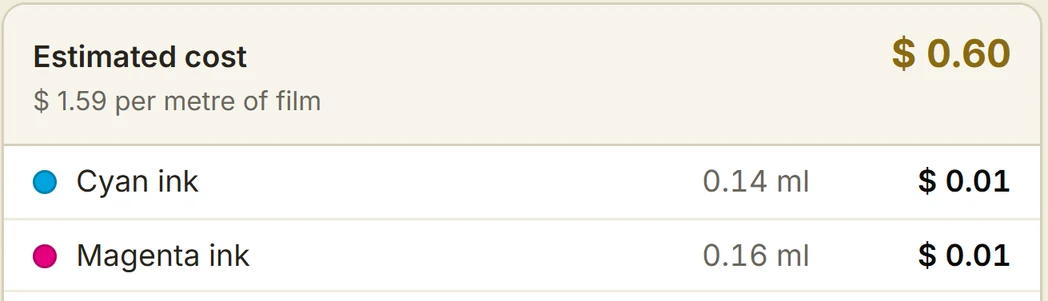
- Price every job before you print it. DTF: ink, film and powder from the job's own dots, in Design RIP. White toner: gang sheets with a live cost per print, in Studio RIP. Your own prices, typed once.
- See how much of the sheet you use. The sheet shows it as you lay out, for example 44 up, 0 did not fit, 83% used.
- No dongle, two computers. A licence code, and one licence runs on two computers in your business.
- Pay the way you like. Monthly and stop when you like, a year at a time, or once and it is yours. From $19.99 a month for UPrint Studio RIP, $25 for the UPrint Studio DTF RIP, $34.99 for UPrint Design RIP, plus tax. All prices.
2Save time
- Set up a DTF printer from one print, and copy your old RIP's colour from a second one. About 15 minutes for both: the set up guide.
- Fill a sheet or a roll in one press. Fill the sheet for white toner, Fill the roll for DTF: how.
- Long rolls start printing at once. Up to 100 m (328 ft), sent to PrintExp while the rest of the roll is made.
- Artwork arrives by itself. With the Hot folder, the designer saves into a shared folder and the file turns up on the printer's PC. Nobody carries a USB stick. It brings the file in; you still press Print.
- No jumping between programs to fix a logo before it prints, in Design RIP.
The same job, two ways
The old way: about 15 minutes
- The customer sends a logo.
- Open Illustrator or CorelDRAW.
- Fix the logo.
- Copy it as many times as the sheet holds.
- Export it.
- Import it into the RIP.
- Prepare it in the RIP.
- Print.
With UPrint Design RIP: about 5 minutes
- The customer sends a logo.
- Fix it in the same window.
- Fill the sheet in one press.
- Print.
Example times from our own work, not a promise. Time one of your own jobs in the free trial.
What 10 minutes a job adds up to
At 10 logos a day:
What does an hour of your staff's time cost you? Multiply it by those hours, and add it to the money you save on software. Or type your own numbers in the calculator below.
A designer at the next desk
In Design RIP, the AI assistant works like a designer on your team. Tell it the job in your own words, for example: "make this logo 3 times bigger, trace it, make it 50 mm high, and fill an A3 sheet with a 10 mm gap" (2 in high, a 0.4 in gap). It does each step on the page by itself, and you get on with other work. When it is done, check the page and press Print.
It runs on your own OpenAI account: you pay OpenAI directly for what it uses.
Work out your saving
Type what you pay now, and your own guess at the time. The UPrint side is our real price. Nothing is filled in for you.
What you pay now, each month
The UPrint plan
$19.99 a month, plus tax.
Type what you pay now, and the difference shows here.
Your time
Your own guess, not a promise from us. Nobody can time your shop but you.
3Less training
- Four numbered steps in Studio RIP: Import, Prepare, Layout, Print.
- Built-in help in plain words, and Find a tool to search for any tool by name.
- Show me how on each DTF set up step, with a picture for each step.
- Short training videos for each job, in the client portal.
- Guides with pictures on this site: all guides.
- Save the whole job, artwork included, so the next shift or the next machine can carry on printing it.
4A print that comes out right, every time
- Measured colour for OKI white toner printers, built-in colour for XP600 and i1600 DTF heads, or your own ICC profile.
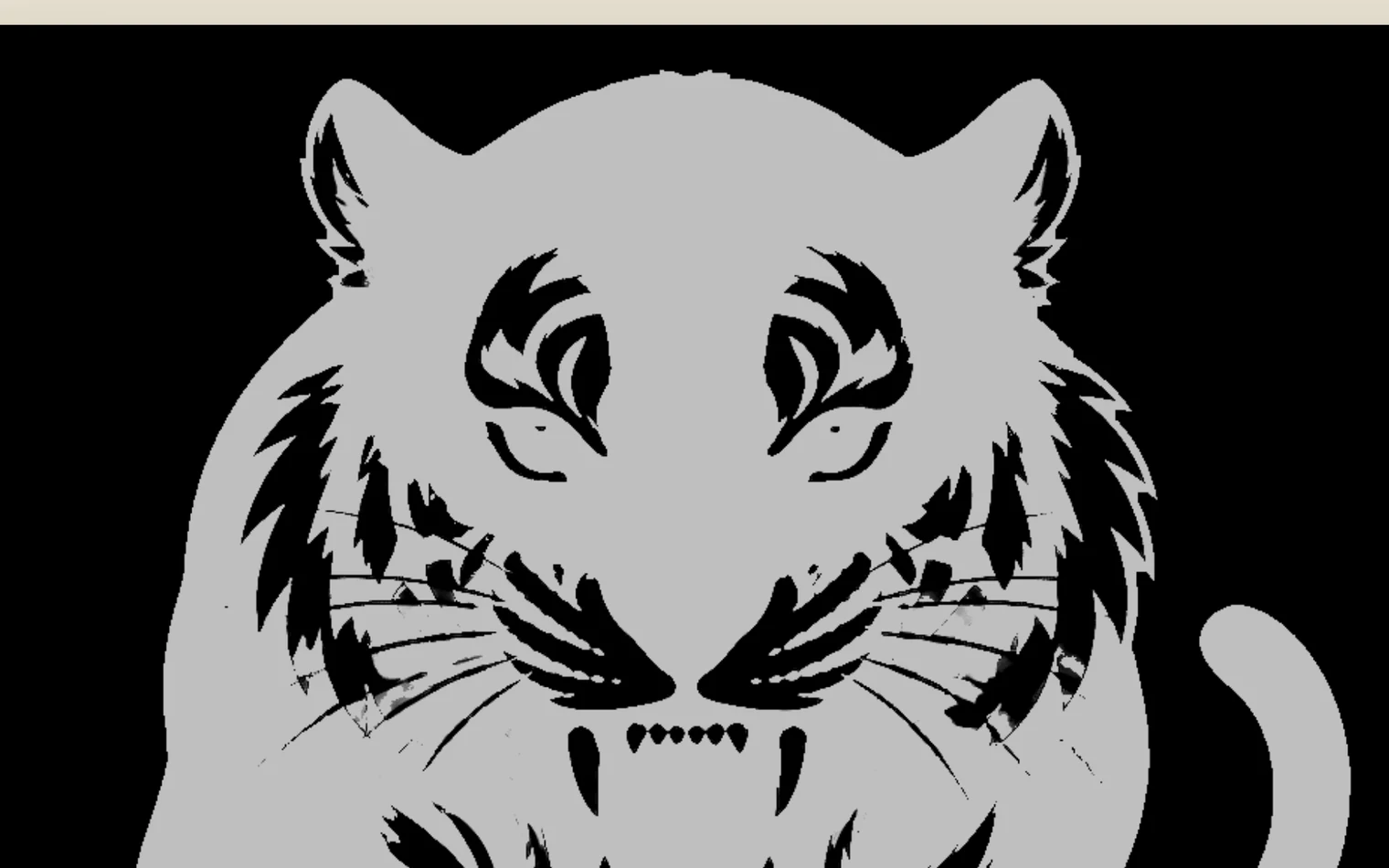
- Check before the paper goes through. White toner: How it will print checks your artwork against the printer, and the White map shows where the white lays.
- The white, under control. How much, where it goes, and a choke so no white shows past the colour.
- Test without spending white: Test print, no white, for white toner.
- Every job in the queue with its cost and where it was saved.
When UPrint is not for you yet
Your printer is not on our list: for example a converted Epson desktop DTF printer (an early version is coming, on Windows and Mac), or a 5 colour OKI. Tell us the make and model, and we tell you straight whether it works. The list: supported printers.
Try it on your own printer
7 day free trial, no card. Every tool, on your own computer. Download Design RIP or Studio RIP. Design RIP asks when it starts: pick DTF printer or White toner printer.
Download the free trialOn day 8 the app locks until you buy. Pay with the same email and it unlocks by itself. One free trial per computer and per email.
Questions first? Contact us. Not sure which edition? Compare them.