01Sublimation
Your ink maker's profile
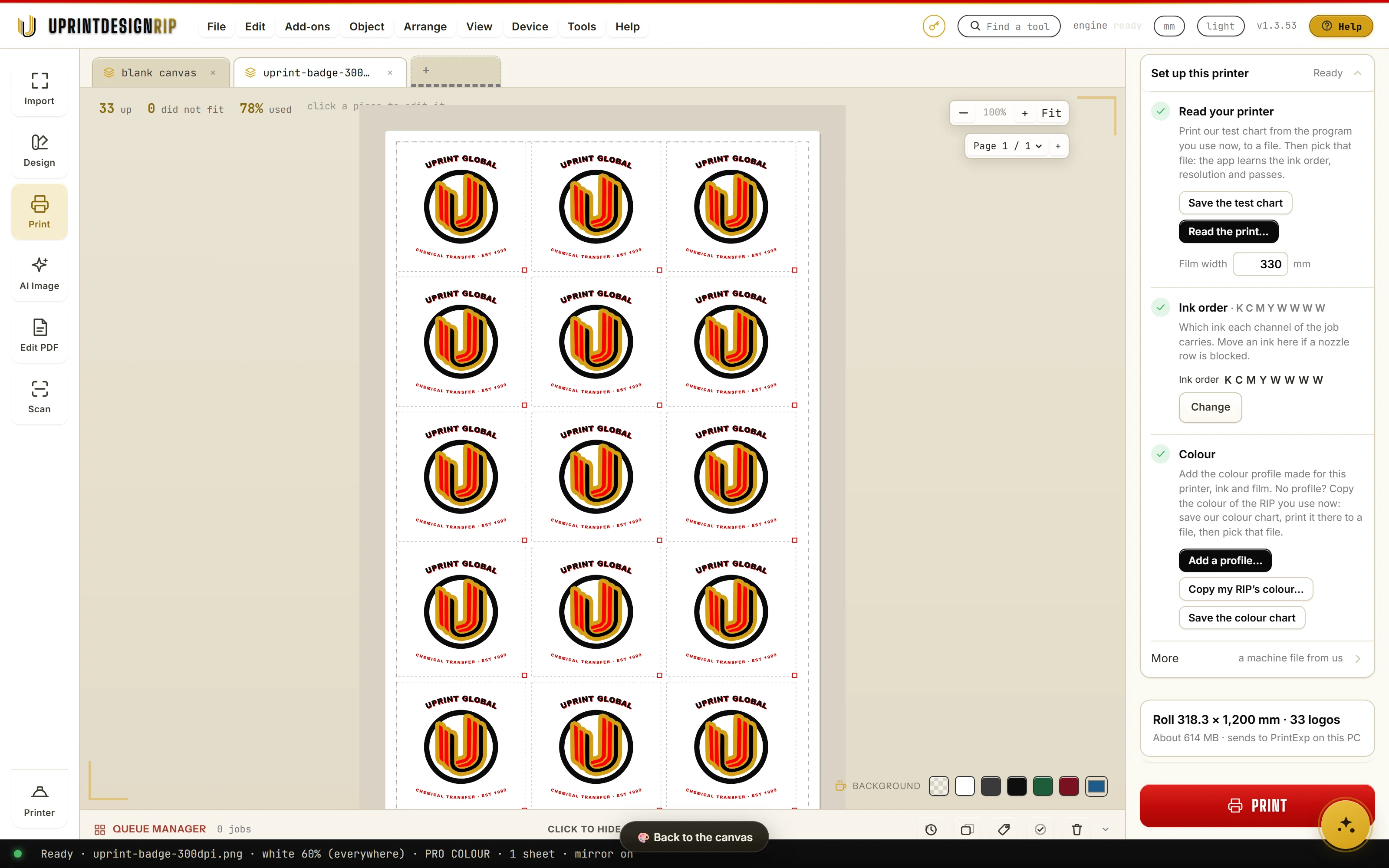
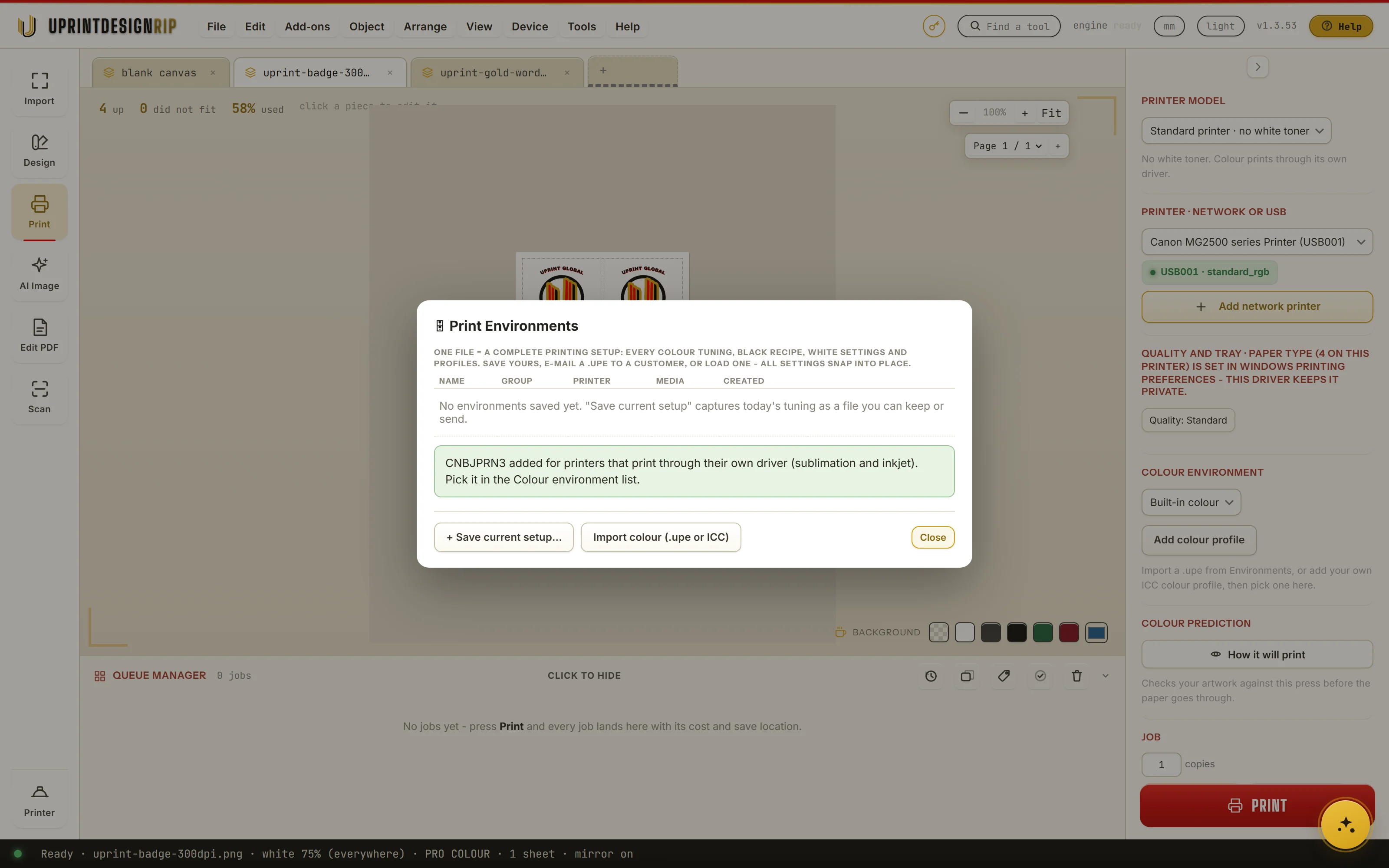
Your ink maker supplies an RGB profile for your printer, ink and paper. Add it once and pick it for every job. UPrint turns Windows colour management off for each job, so only your profile counts.
Why it matters
Sublimation colour depends on the ink, the paper and the printer together. The maker's profile is made for exactly that.
How it works
- 1Open Environments and press Import colour, or Add colour profile in Print.
- 2Pick the .icc or .icm file from your ink maker.
- 3Pick it in the Colour environment list. In your printer's own settings, set colour to No colour adjustment once.
In the app: Add colour profile