
Remove a white background in one click
For print shops that need a customer’s logo fixed fast. Free.
Pick your pictureDrop your picture here
PNG or JPG. Your picture stays on your computer.
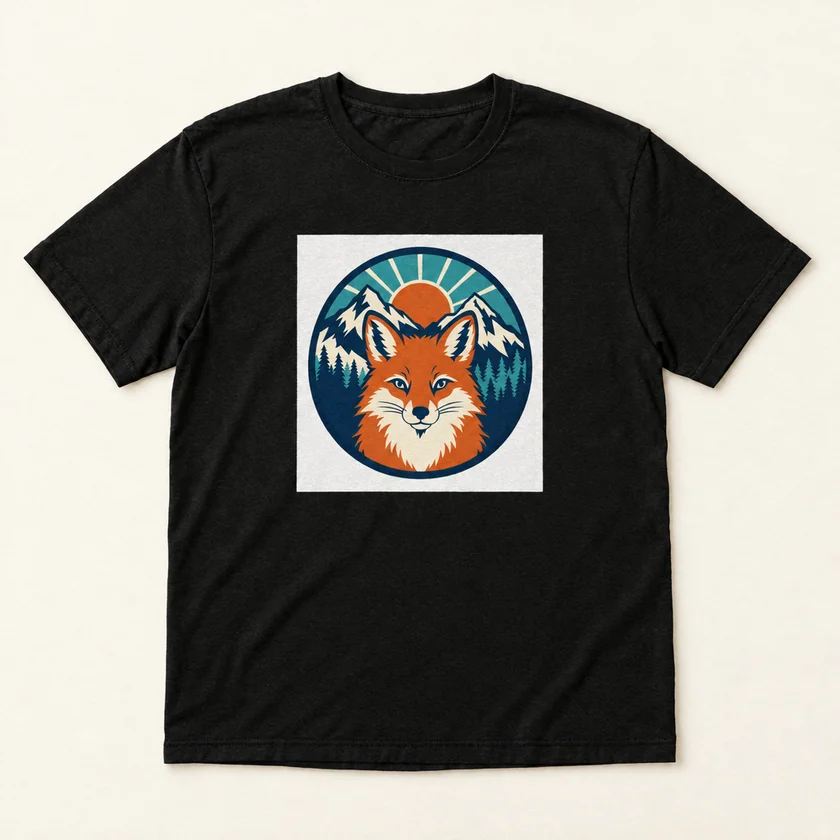 Mock-up
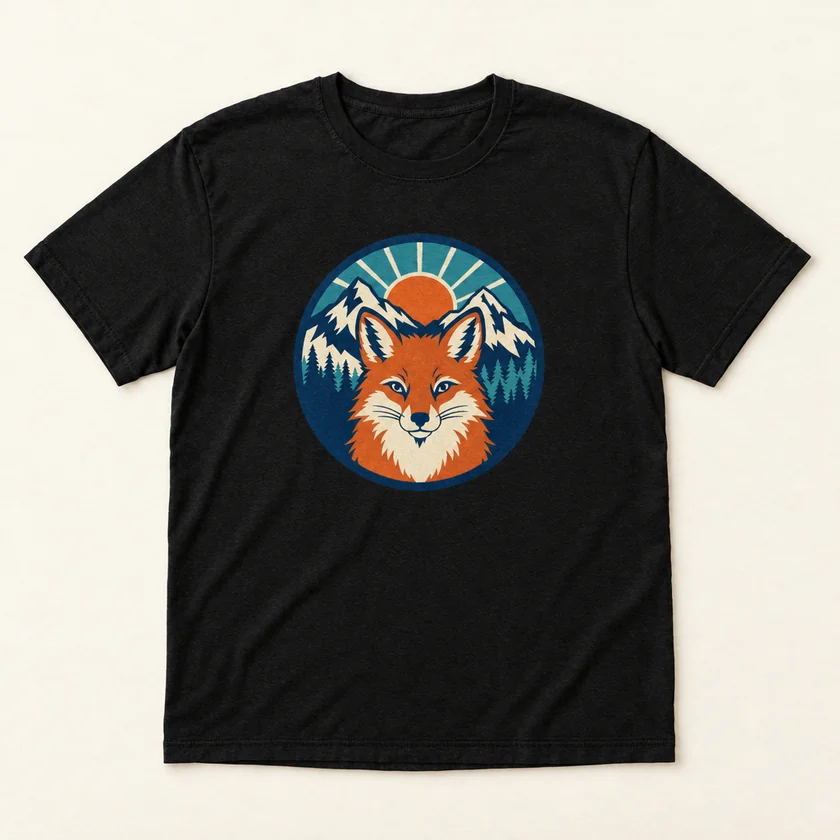 Mock-up
Fix your files in the UPrint app
No daily limit. AI upscale for small pictures, AI cut-out for photos, the white layer and the print job, for DTF, white toner and sublimation printers.
21 days, no card. The app runs on a Windows PC or a Mac. On day 22 it locks until you buy. See the prices
Questions
Is my picture uploaded?
No. The check and the fix run inside your browser. Your picture never leaves your phone or computer.
What does the free fix do?
It takes out a plain white background, trims the empty edges and saves the picture at 300 dpi. If the edges are soft, it makes them print-true. Checking is always free. Each download uses one of 2 free fixes a day. The UPrint app has no daily limit.
What can it not fix?
A small or blurry picture, or a photo background: the UPrint app does those. A logo sharp at any size: Make Vector in UPrint Design RIP.
What is dpi?
Dots per inch: how many dots of your picture land on each inch of the shirt. At 300 it looks sharp. Under 200 it looks soft. Under 120 it looks blocky.
Why does a white background show on a dark shirt?
On most settings the RIP prints white under the picture, so its colours show on a dark shirt. A white background is part of the picture, so it gets white too and prints as a white box.
Does it work on a phone?
Yes, in your phone’s browser. A very big picture (12 megapixels and up, like a full-size phone photo) can be slow or too big for a phone. Use a computer for those. The UPrint app itself runs on a Windows PC or a Mac.
More free tools
- Turn a picture into a print PDFFor print shops that need the exact print size, with bleed and crop marks.
- Resize a picture for printFor print shops that need a picture at 300 dpi, in cm or inches.
- See how big a picture can printFor print shops quoting a job: the sharp size in cm and inches.
- Mirror or turn a pictureFor print shops: mirror a transfer, or turn a picture the right way up.
- Make a QR code for printFor print shops: a sharp QR code at the exact size, for shirts, cards and signs.
- Turn a WebP or SVG into a PNGFor print shops: a website picture or a logo file, ready to print at 300 dpi.
- Turn a PDF into a pictureFor print shops: each page as a PNG or JPG at 300 dpi, ready for your RIP.
- Make a proof for your customerFor print shops: one page your customer checks and signs before you print.