
Guide · UPrint Studio RIP and Design RIP · White toner
Set up the RIP for your OKI white toner printer
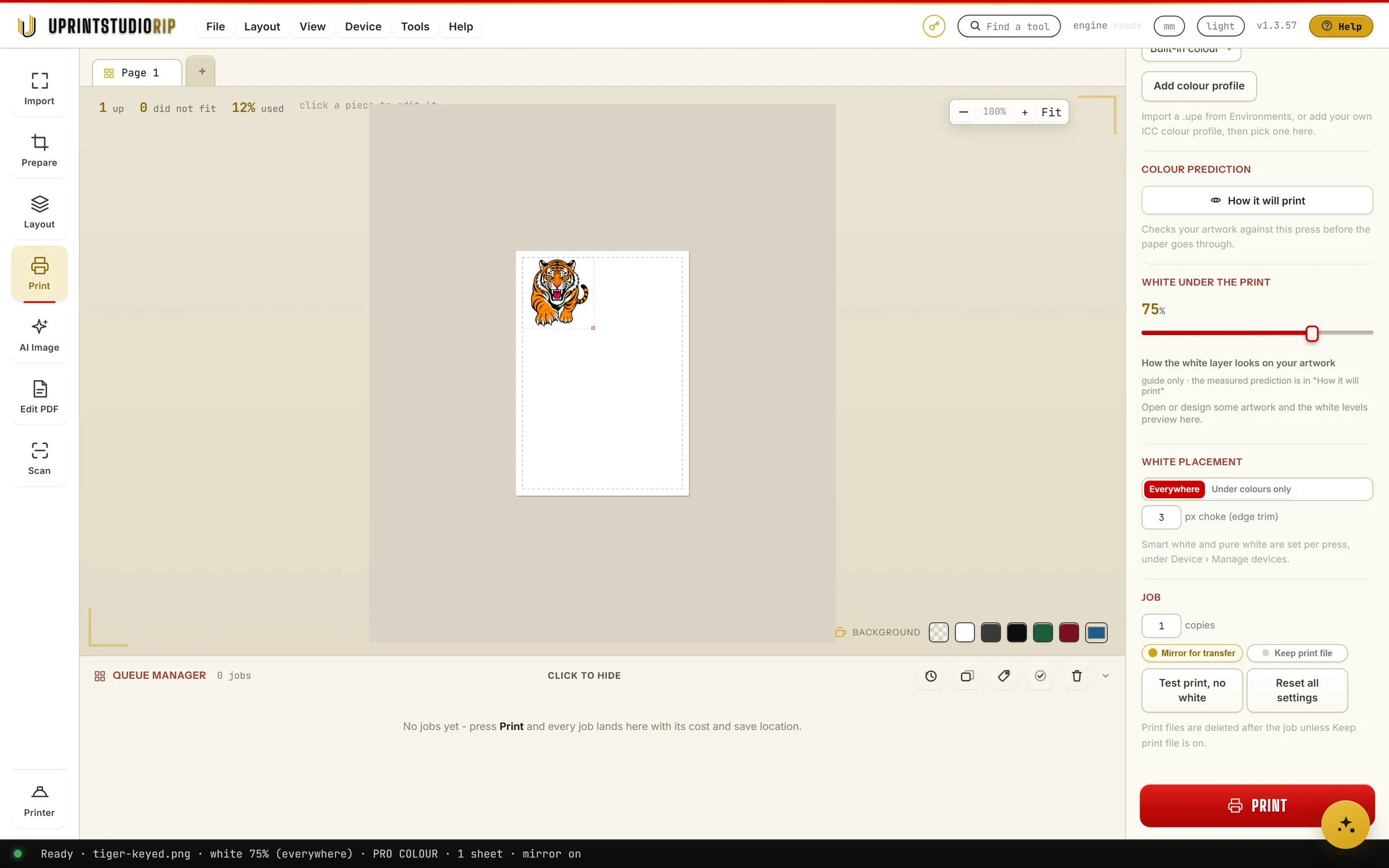
UPrint Studio RIP and UPrint Design RIP print to OKI white toner printers. Pick your model, set the white, see where the white goes, fill a sheet and print.
The pictures are from Studio RIP.
Which OKI printers
- OKI Pro8432WT
- OKI C711WT. The same machine as the ES7411WT and the Pro7411WT.
- OKI C711, C712 and C833. Converted to run white toner in the black slot, and others like them.
Yours is not on the list? Tell us the make and model, and we will tell you straight whether it works. The full list: white toner printers.
Pick your printer
1Pick the printer model
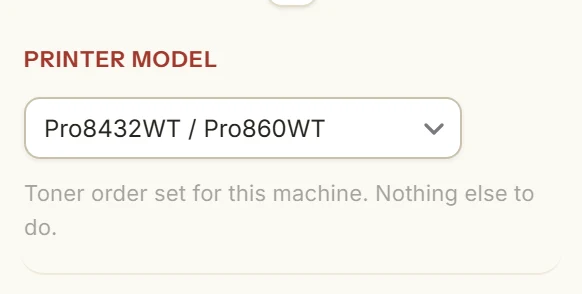
Press Print on the left. Under Printer model, pick your machine.
Toner order set for this machine. Nothing else to do.
2Pick where the job goes
Under Printer, pick your OKI from the list.
On a network? Press Add network printer and type its IP address. UPrint then prints straight to it.
Set the white
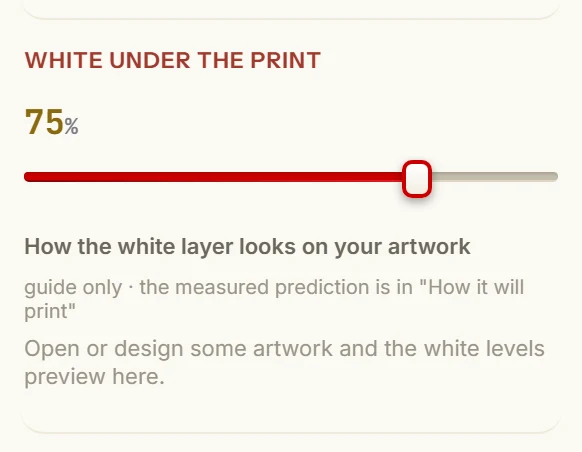
1White under the print
This slider sets how strong the white layer is. It starts at 75%.
2White placement and choke
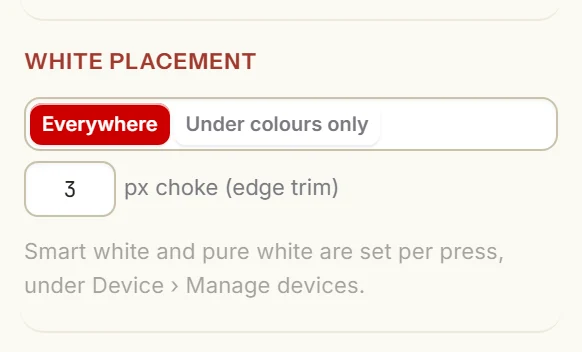
Pick Everywhere or Under colours only.
Choke pulls the white in from the edge by a few pixels, so no white peeps out past the colour. It starts at 3.
3See where the white goes
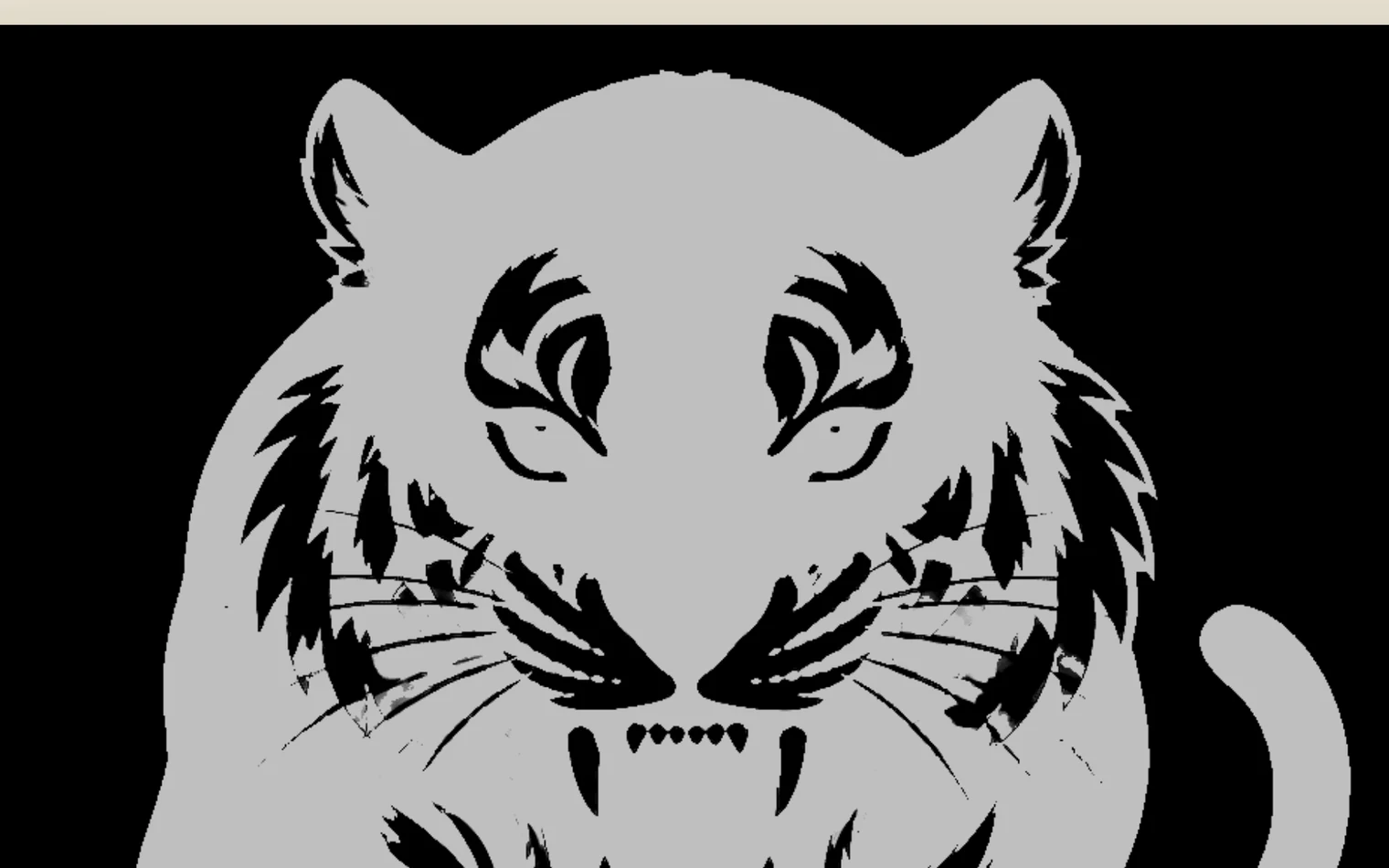
On the Import step, under Preview as, press White map.
Grey shows where white toner prints. Black gets none. Press Design to go back.

Colour
Studio RIP has a colour environment measured for these printers. Under Colour environment, pick the one for your job, or press Add colour profile to add your own ICC profile.
How it will print checks your artwork against this printer before the paper goes through.
Fill a sheet
1Set the spacing
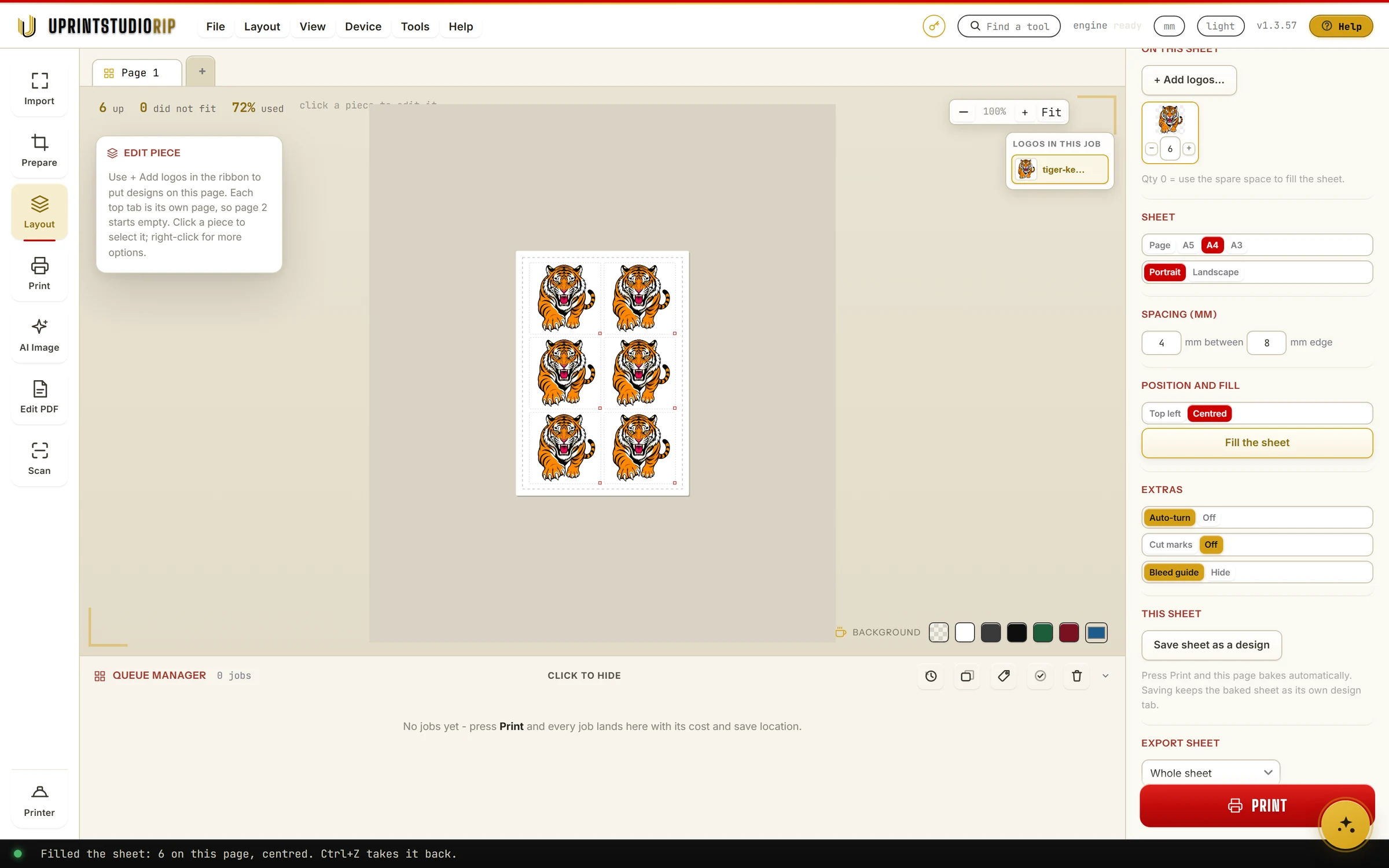
On the Layout step, under Spacing, set the mm between logos and the mm at the edge.
Under Sheet, pick the page size: A5, A4 or A3.

2Press Fill the sheet
Pick the logo, then press Fill the sheet. It fills the page with copies at the logo's size.
Filled the sheet: 6 on this page, centred. Ctrl+Z takes it back.
Want a set number? Type it under the logo in On this sheet. 0 uses the spare space to fill the sheet.
Mirror, test and print
Mirror for transfer is on: each logo prints mirrored, for transfers. Turn it off for a print you look at straight.
Test print, no white prints the colours only, to check the colour and the fit without spending white toner. Then press Print.
From Windows or a Mac
UPrint sends the job to the OKI itself: on Windows to the printer's queue or to a network printer, on a Mac over USB. White toner from a Mac to an OKI Pro8432WT over USB was tested in August 2026.
Windows needs Windows 10 (64 bit, 21H2 or newer) or Windows 11. A Mac needs a Mac with Apple silicon (M1 or newer) on macOS 12 or newer.
Studio RIP or Design RIP
Both print white toner, with the same white tools.
- UPrint Studio RIP: The complete printing workflow in four numbered steps: import, prepare, lay out, print. From $19.99 a month.
- UPrint Design RIP: Everything in Studio RIP, plus a full design canvas in the same window. Trace a logo to clean vector and edit it node by node. From $34.99 a month.
Prices are in US dollars, plus tax worked out at checkout. Which one is right for you?
Try it on your own printer
7 day free trial, no card. Every tool, on your own computer. Download Studio RIP or Design RIP. In Design RIP, pick White toner printer when it starts.
Download the free trialOn day 8 the app locks until you buy. Pay with the same email and it unlocks by itself. One free trial per computer and per email.
More guides
- DTFSet up your DTF printer and copy your colourTeach the app your printer from one small print, then copy the colour of the RIP you use now.
- DTFHow to print DTF transfers, step by stepFrom artwork to a pressed shirt: the steps, and what the RIP does in each one.
- DTFBuild a DTF gang sheet and fill the rollLay out a page or a roll of film, and fill the roll with one button.
- DTFMoving from Maintop: bring your DTF settings to UPrintBring the printer settings and the colour you have in Maintop, from two prints.
- DTFDTF RIP software on a Mac: what works todayWhat you do on the Mac, and what the Windows PC with PrintExp does.